If your devices feel more like a to-do list than a tool, it’s time for a digital declutter. I didn’t realize how noisy my tech had gotten until one night I sat down to write — and six notifications popped up before I even opened the doc.
Messenger, Outlook, WhatsApp, weather alerts, a “deal of the day” ping from Amazon… and for what? Nothing I needed right then. That night, I nuked half my app alerts. And honestly? It felt amazing.
In a world where every app fights for your attention, digital declutter isn’t just about cleaning your phone — it’s about clearing your head. Here’s how to do it in small, practical steps that stick.
🔕 Silence the Non-Essentials (and Sync It Everywhere)
The fastest win in your digital declutter journey: turn off notifications for anything that doesn’t serve your time. That includes
- App updates
- Social likes/follows
- Shopping pings
- News alerts
- Calendar invites you didn’t ask for
Then, sync your “Do Not Disturb” hours across all devices. No more ping from your iPad at 11:42 PM just because your phone is quiet.
💡 Pro Tip: On iOS, go to Settings → Focus and set up a custom mode that syncs across all devices. Google Digital Wellbeing offers similar tools for Android users.
🧼 Digital Declutter Habit: Delete One App Per Week
We all have them — apps we downloaded “just to try” or never quite deleted. One easy habit for a digital declutter that actually lasts: Delete one app every Sunday.
You probably won’t miss it. And the space (mental and storage) adds up quickly.
Pro tip: Check your “Last Used” list in settings. If it’s been over 30 days, it’s fair game. You might be surprised how freeing it feels — especially when your home screen starts to feel less like a junk drawer and more like a curated toolbox.
If you struggle to choose, start with:
- Games you don’t play anymore
- Shopping apps you only browse, not buy from
- News or social apps that add stress instead of value
By doing this once a week, you’re building a habit that compounds over time, keeping your digital declutter manageable without feeling like a massive one-time purge.
🗂️ Organize With Folders or Focus Modes
Try grouping apps not by type — but by mood or function. Example:
- ⚡ Focus (Notes, calendar, camera) – A Pomodoro timer works great here
- 💬 Social (Threads, Insta, Discord)
- 💤 Wind Down (Sleep app, Spotify, Calm)
Bonus: Set custom Focus Modes on iOS or Android so your phone changes automatically based on location, time, or activity. This is a digital declutter superpower because it removes distractions before they start.
🧘 Digital Declutter with Scheduled Screen-Free Time
Don’t try to “just unplug” — schedule it.
- One walk per day with your phone on airplane mode
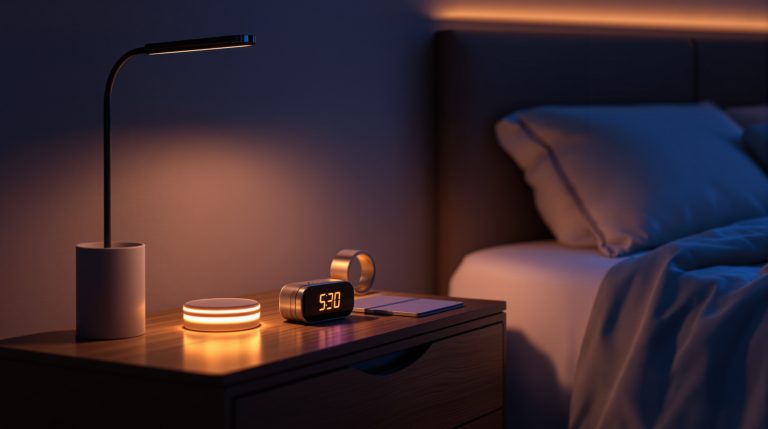
- No screens in bed (use a smart clock like the Echo Spot instead)
- 20 minutes daily of off-screen time after lunch
You’ll be shocked how much easier it is to stay present once you give your brain a break from being “on call” with a little screen-free time.
🛠️ Reframe Tech as a Tool — Not a Tether
Decluttering isn’t just deleting — it’s deciding. Decide:
- What earns your attention
- Which alerts feel like value vs. interruptions
- What role your tech plays in your mental space
When you treat your phone like a tool — not a default — your brain starts to feel lighter.
🚫 Common Digital Declutter Mistakes to Avoid
- Going too extreme too fast — You don’t have to delete everything to see benefits.
- Not setting up replacements — If you remove an app, know how you’ll replace its function (if needed).
- Ignoring desktop clutter — Your laptop and browser tabs can be just as noisy.
🧠 Final Thoughts
Pick one:
- Turn off a notification that always interrupts you
- Delete an app you haven’t opened in a month
- Schedule 15 screen-free minutes after dinner
Small moves. Big brainspace.
👉 Like this kind of smarter living? Sign up for the Smarter-ish newsletter and get weekly tips, gear picks, and life upgrades — no clutter, just the good stuff.