Smart homes aren’t just about flashy gadgets or the latest tech trends. They’re about making everyday life smoother, safer, and more efficient, whether you live in a house, condo, or apartment. And you don’t have to be a tech wizard to enjoy the benefits of smart home technology. Even small upgrades can make a big difference.
I started with just a couple of smart plugs. Now, I never stress about leaving the heater on or wondering if the door’s locked. And yes, my entire house lights up when I say, “Let there be light.” That’s the beauty of smart homes: they adapt to you.
Over time, I’ve discovered that the biggest impact comes from combining smart home devices into a system that works together. You don’t need a massive budget or a full remodel. You just need the right approach.
Here’s what I’ve learned, and how you can start building home automation in your space without turning it into a sci-fi movie set.
🌅 Smart Homes Automate Your Mornings and Nights
The most underrated benefit of smart homes is how they make your mornings and evenings effortless. By setting up simple routines, you can remove dozens of tiny daily decisions.
Imagine:
- Lights slowly turning on as your alarm goes off.
- Your coffee brewing the moment you say, “Alexa, good morning.”
- Bedroom lights dimming, doors locking, and the thermostat adjusting when you say, “Goodnight.”
It’s not about showing off. It’s about removing friction from your day. Using Alexa, Google Home, or Apple’s HomeKit, routines can be as simple or as complex as you want. That’s the practical side of home automation that rarely gets talked about: the small, repeatable moments where the system just handles things for you.
For example, my weekday morning routine turns on the lights in the kitchen, starts the coffee maker, and reads me the news headlines while I get ready. At night, a “Goodnight” command locks my doors, adjusts the temperature, and plays white noise. These little touches add up to a calmer, more predictable day.
🎛️ Smart Homes Make Control Simple
If you’ve ever downloaded yet another app to control a single smart device, you know how frustrating it can be. Smart home systems solve this by centralizing control.
You can:
- Use a simple voice command like “Turn off all the lights” or “Preheat the oven.”
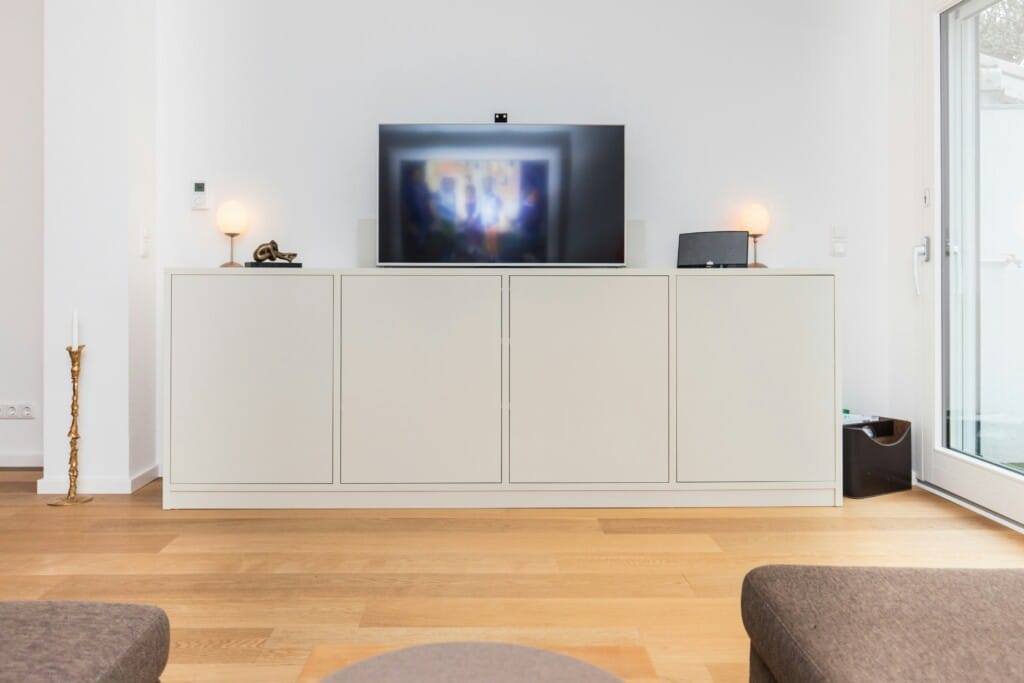
- Control multiple devices at once with a single scene (for example, “Movie Night” dims the lights, lowers the blinds, and turns on the TV).
- Use a universal smart remote to manage smart TVs, home lighting, and the AC in one place.
This is especially helpful for guests or less tech-savvy family members. Instead of giving someone a crash course in your home’s apps, you can hand them a remote or show them one voice command.
Another underrated option is wall-mounted smart panels. These act like central dashboards, letting you adjust lights, check security cameras, and control music without carrying your phone around.
Smart Home Tech and Accessibility
One area that doesn’t get enough attention is accessibility. Simple voice commands and home automation routines can make a real difference for people with mobility limitations or other access needs. Turning off every light in the house, locking the front door, or adjusting the thermostat without getting up or finding a phone: that kind of frictionless control matters, and it extends the practical benefits of smart home technology to a wider range of households.
🛡️ Stay Secure from Anywhere
Home security is one of the top reasons people invest in smart homes. Smart cameras, motion sensors, and video doorbells allow you to:
- See who’s at the door, even when you’re not home.
- Get instant alerts if a door or window opens unexpectedly.
- Monitor deliveries or cleaners remotely.
Smart security systems can give you peace of mind from anywhere in the world, not just when you’re on vacation. I use a video doorbell to check on package deliveries while I’m away. Motion alerts let me see if the dog walker has arrived, and smart locks mean I can let them in without handing over a key. Being able to check on your home from anywhere is one of those security features that sounds like a luxury until you actually need it.
Keeping Your Smart Home System Secure
Remote access and connected devices do bring security considerations worth taking seriously. For device-specific account and network settings, the maker’s current support documentation is the right place to check, since guidance can change with app and firmware updates.
🌱 Save Energy Without Thinking About It
A great smart home isn’t just convenient. It’s efficient. Smart thermostats, a smart lighting system, and smart appliances can help you cut down on utility bills without sacrificing comfort.
For example:
- Smart thermostats learn your schedule and adjust the temperature automatically.
- Smart bulbs and a connected home lighting system can auto-dim at sunset or turn off when no one is home.
- Energy monitoring plugs can track how much power each device uses.
How much you actually save on energy use depends on your home, your climate, your utility rates, and how you configure the devices. Smart systems that handle climate control automatically, such as a thermostat that adjusts when you leave the house, tend to deliver the most consistent savings. These tools aren’t just for eco-warriors, though. They make financial sense too. The U.S. Department of Energy’s Energy Saver guide has practical tips on how smart technology can help you save money and reduce energy waste.
📈 Expand Gradually and Strategically
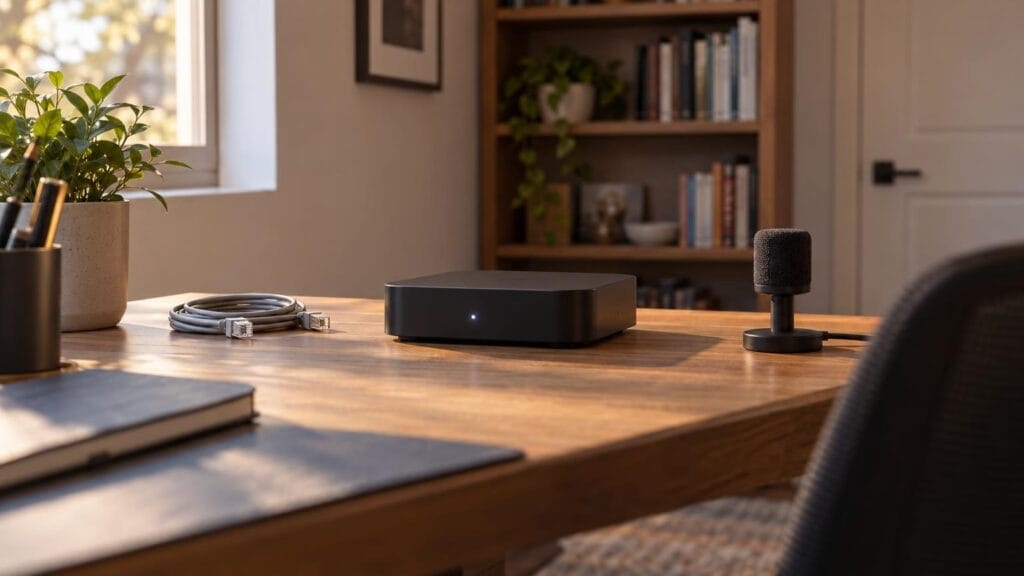
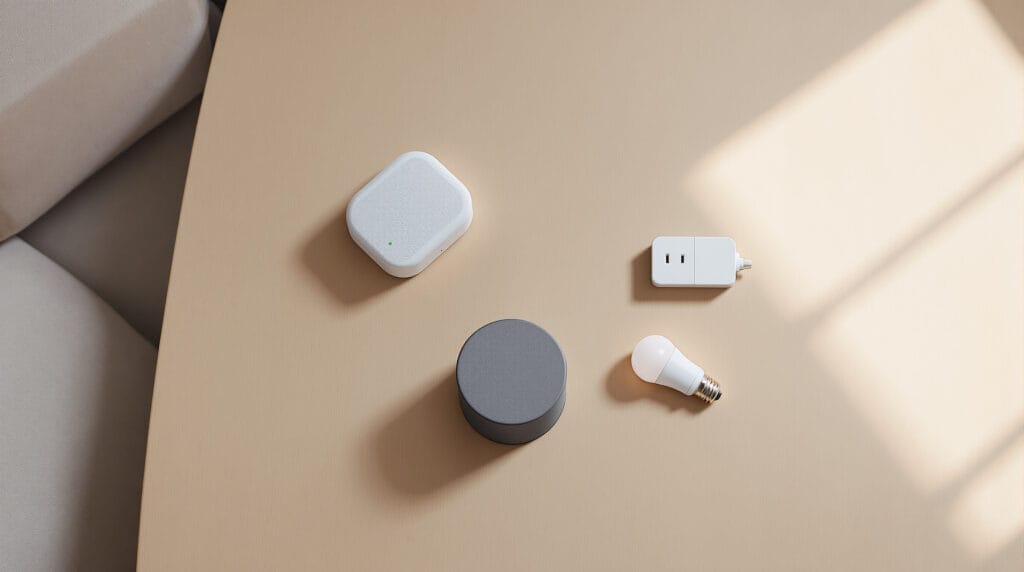
You don’t have to buy every device at once. In fact, one of the smartest ways to build home automation systems is to start with a hub or smart speaker, then add devices as you go.
Begin with:
- A voice assistant like Alexa, Google Home, or HomePod.
- A few smart plugs or smart bulbs for instant home automation.
- A security camera or video doorbell for peace of mind.
Once you see how much easier these small upgrades make life, you can expand into smart locks, thermostats, blinds, and even kitchen smart appliances.
Compatibility and Matter
The key to making your smart home system grow without frustration is compatibility. Sticking to one ecosystem (Alexa, Google, or Apple) as much as possible helps avoid situations where devices don’t talk to each other. Beyond that, Matter is a standard designed to let smart home devices from different brands work together more reliably. Thread is a related networking standard built to support that same goal. Before buying any smart device, check the product page to confirm it supports the standard your existing setup uses.
🎬 Build Scenes for Everyday Moments
Scenes are one of the most fun and practical parts of smart home automation. They let you control multiple smart home devices with a single command.
Some of my favorites:
- “Dinner Time”: turns on warm lighting, plays background music, and turns off the TV.
- “Workout Mode”: brightens the lights, turns on a fan, and starts a workout playlist.
- “Away”: locks doors, turns off all lights, and arms the security system.
Once you’ve set them up, you’ll wonder how you ever managed without them.
🏠 Getting Started with Smart Homes
If you’re ready to dip your toes into the world of smart homes, here’s a simple roadmap:
- Pick your platform: Alexa, Google, or Apple’s HomeKit. Look for Matter compatible devices if possible.
- Start small: smart plugs, smart bulbs, or a single smart speaker. Read about one of my favorite smart plugs here.
- Automate one routine: morning lights, coffee brewing, or bedtime settings.
- Test and adjust: see what works for your household and what doesn’t.
Remember: a smart home should fit your lifestyle, not the other way around. Start with the features that will have the biggest daily impact, and expand from there. Making your home smarter doesn’t require doing everything at once.
FAQ
Do I need a central hub to have a smart home?
Not always. A smart speaker often serves as a practical starting point for a basic home automation setup.
Will smart home devices from different brands work together?
It depends on the devices and the platform. Sticking to one ecosystem reduces friction. Matter is a newer interoperability standard designed to improve cross-brand compatibility, but you need to confirm that a specific smart device supports it before buying. Check the product page for that information.
Are smart homes hackable?
Any internet-connected device carries some security risk. Check your device maker’s current support pages for account and network security settings specific to your smart home system.
What are the disadvantages of smart homes?
Smart home technology can be costly upfront, and adding many connected devices puts more demand on your home Wi-Fi network. Some devices become obsolete when a manufacturer stops supporting an app or platform. Security and privacy are real considerations, as noted above. And for less confident users, the initial setup can feel complicated. Starting small with one or two smart home devices helps keep things manageable while you learn what works for your household.
📬 Want More Smarter-ish Tips?
Subscribe below to get weekly smart gear picks, how-to hacks, and tech that actually makes life easier, not harder.