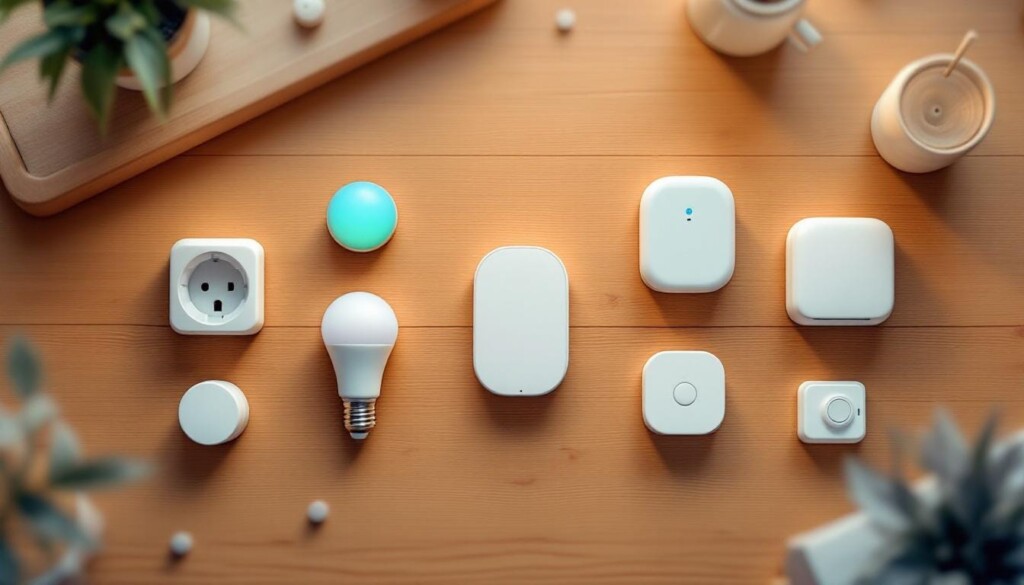
Finding reliable smart-home gear shouldn’t cost an arm and a tech degree. Smart plugs, bulbs, sensors, and small hubs bring convenience, energy savings, and basic smart home automation to any home without complicated installs or big budgets. These smart home starter devices solve the common problem of making a single room smarter fast: turning lights on with a schedule, checking a door sensor from your phone, or adding voice control to an old lamp. The best smart home devices for a beginner are the ones that make life easier on day one, not the ones with the longest feature list.
How These Were Chosen: the focus was on devices under $100 that deliver clear, immediate value: ease of setup, cross-platform compatibility (Alexa, Google Assistant, or HomeKit when possible), responsive apps, and reliable day-to-day performance. Picks were narrowed by researching connection stability, app ergonomics, and how well each device handles routine tasks like scheduling, remote control, and automations. Pay attention to compatibility and hub requirements first. Many cheap devices work well only if they match your voice assistant or require a separate hub, which affects long-term cost and ease of use.
The goal was to prioritize smart home products that solve common starter needs without confusing extras, and to call out limitations so you know what trade-offs to expect as you expand your system. Read on for the best affordable smart-home starters and which one fits your setup.
Best Smart Home Starter Devices Under $100
Below is a short roundup of five smart home devices that deliver big practical value without blowing your budget. Each was chosen for ease of setup, daily reliability, and real-world usefulness: things that make life simpler, fast.
YoLink LoRa Door Sensor Starter Kit
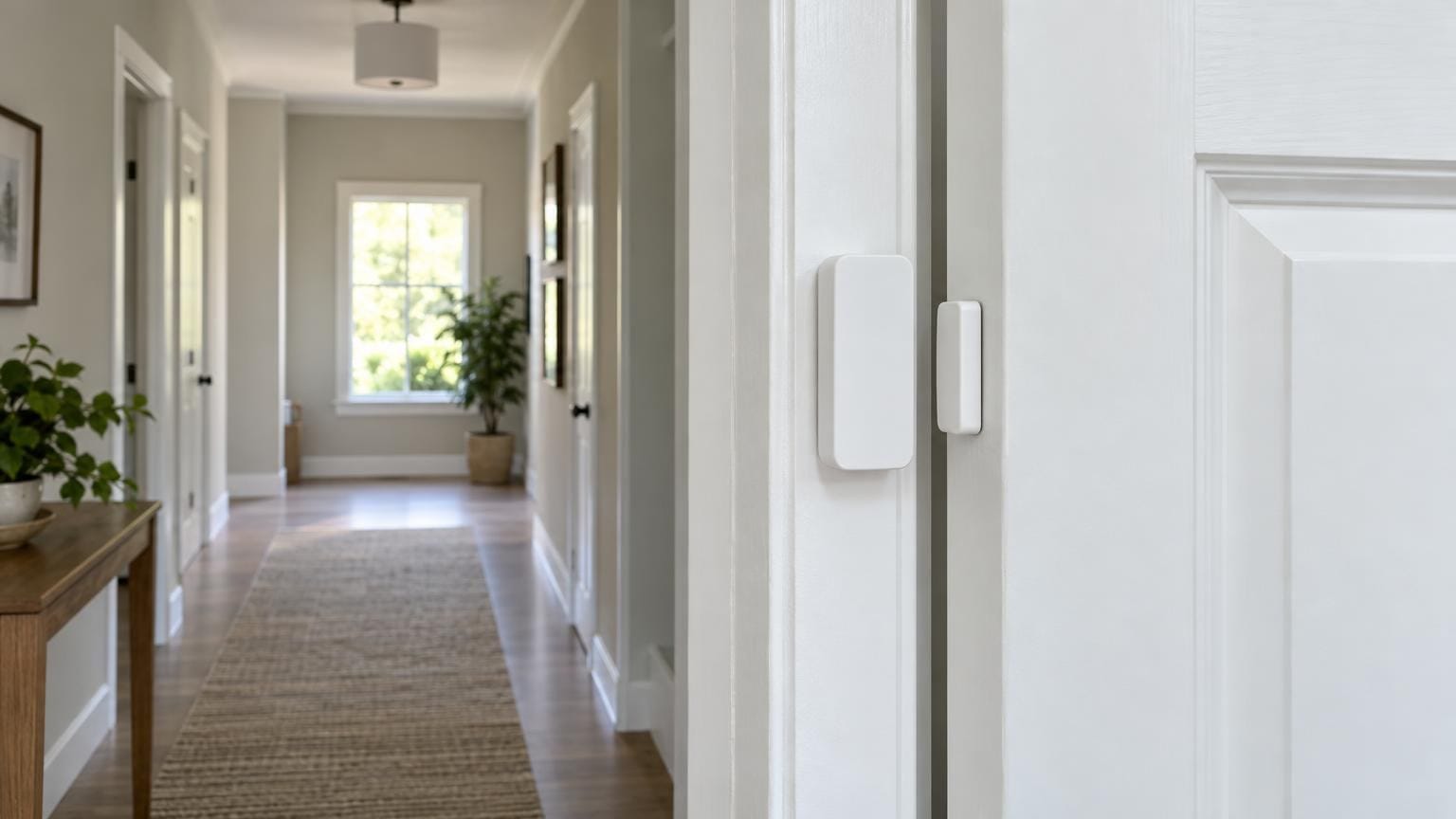
This starter kit is worth buying if you want long-range, low-maintenance door and window monitoring that keeps working where Wi-Fi often fails.
Pros
- Excellent long-range LoRa radio that reaches outbuildings and basements.
- Very long battery life, so replacements become an afterthought.
- Device-to-device pairing lets sensors trigger local actions even if the internet is down.
Cons
- Requires the YoLink hub for full functionality, so it isn’t a single-item solution.
- Setup uses mounting tape; not ideal for renters who need removable mounts.
- App-driven features are powerful but add a small learning curve.
The kit pairs a YS1603 hub with YS7704 door sensors. The official shop lists configurations starting at around $50 for a hub plus two sensors and $75 for a hub plus four; check Amazon for the current price. The LoRa radio is the standout feature: the quarter-mile open-air range claim means the signal travels reliably through walls and across a yard, reaching garages and detached sheds where Wi-Fi typically drops out.
The maker says battery life reaches up to five years, which means less fiddling and more confidence that sensors stay active. Owners on Amazon report ease of setup and solid connectivity with Alexa, Home Assistant, and IFTTT, according to the retailer’s customer summary.
The local device-to-device pairing is a practical advantage for home security: when the internet drops, a paired siren can still trigger from a door opening. That local autonomy matters for anyone who doesn’t want a cloud-only dependency.
The hub-centric design is both a strength and a limitation. The hub adds capabilities like SMS and email alerts and Home Assistant integration, but it is an extra device to place and power. If you need a truly plug-and-play gadget without a hub, this won’t be that option. The mounting tape holds firmly, though removable mounts on glass doors can avoid adhesive residue.
If your priority is reliable coverage over a larger property and minimal battery maintenance, this kit delivers. If you need a hub-free, renter-friendly install, consider other options.
Broadlink Smart Bulbs Starter Kit
This kit is a solid pick if you want an inexpensive, quick-to-install color bulb setup with a physical scene button, but expect some rough edges in the app and occasional voice-link headaches.
Pros
- Fast setup via FastCon and Bluetooth gets the smart lights online in minutes.
- Affordable way to get color, music sync, and a physical scene switch in one box.
- Hub brings remote and Alexa control once connected, so you can step away from the phone.
Cons
- App UX feels cluttered and can be confusing during day-to-day tweaks.
- Alexa and Google Assistant connection can be flaky.
- Brightness is modest; rooms needing strong task light may still require a dedicated lamp.
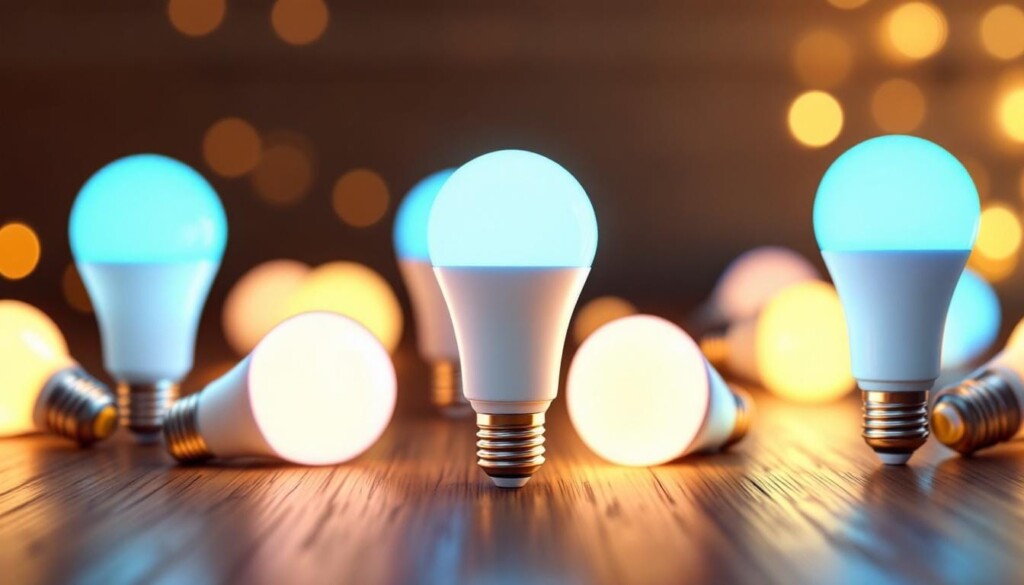
The BroadLink BLE starter kit includes three smart bulbs, a scene switch, and a mini hub, according to the official product page. The page lists app control, voice control, remote control, presets, dimming, warm and cool white, RGB color, and music sync. BroadLink states security updates are supported through July 31, 2027.
The scene switch is a practical addition: tapping it shifts the room to a preset mood without opening an app. The music-sync effect is more novelty than studio-grade, but it adds fun for casual use.
The kit is a good value for anyone who wants smart lights, a physical switch, and a hub in one purchase. Plan on spending a little time with the app and occasional voice-setup steps to keep things running smoothly.
Broadlink Smart Bulbs Starter Kit
Kasa Matter Smart Plug 4-Pack
I recommend this if you want an inexpensive way to add Matter compatibility and energy tracking to basic plugs around the house.
Pros
- Matter works locally so devices keep responding even if the internet drops.
- Energy monitoring helps spot which devices cost more to run.
- Compact footprint won’t block the second outlet on most duplex plugs.
Cons
- 2.4 GHz Wi-Fi only, no 5 GHz support for less crowded networks.
- App menus could be clearer when scheduling across multiple plugs.
- Four-pack assumes you need multiple outlets; single buys aren’t as flexible.
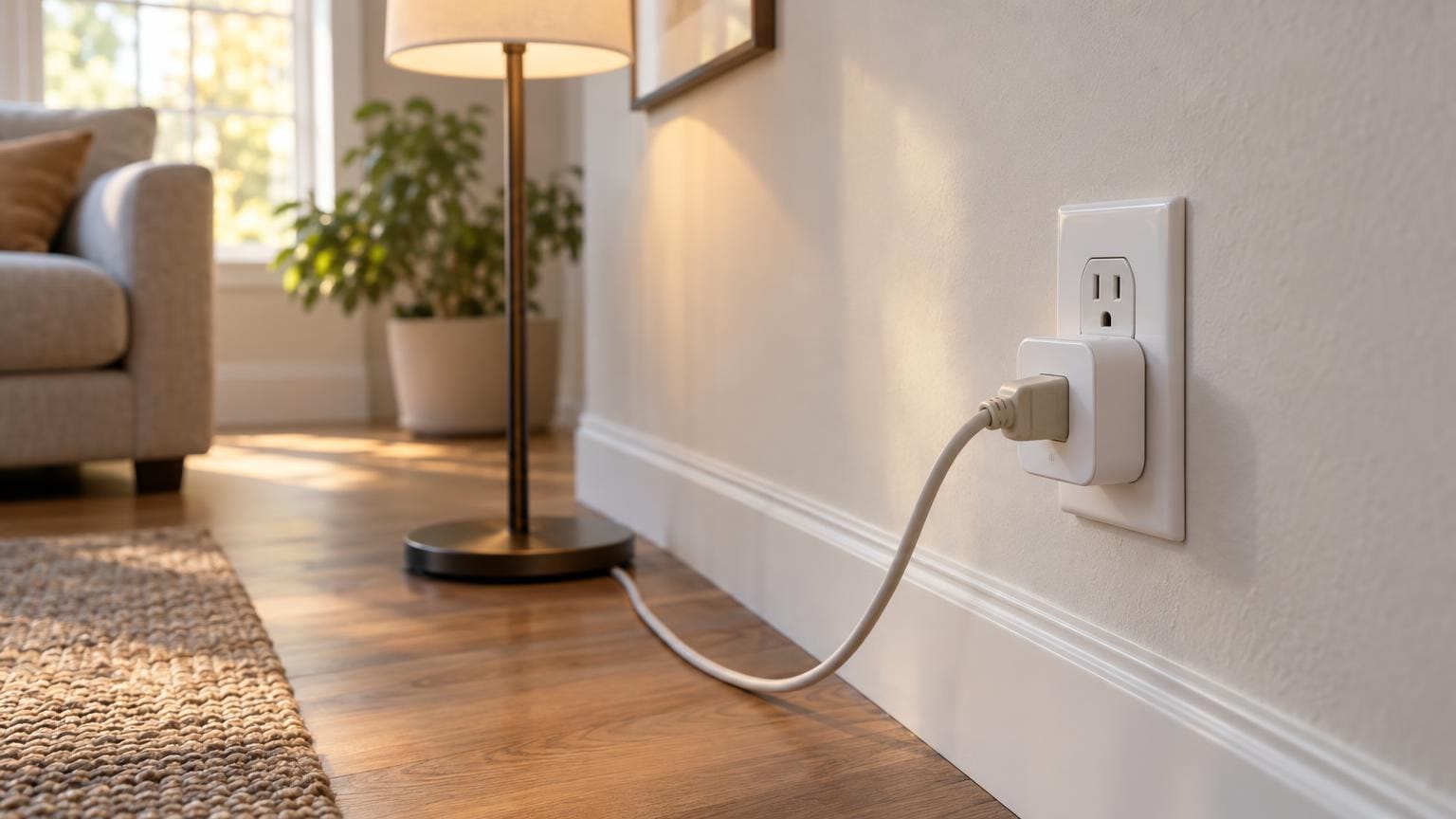
The 4-pack model is the KP125MP4, with the KP125M as the individual plug. TP-Link lists an MSRP of around $70 for the 4-pack; check Amazon for the current price. According to Kasa, the KP125M supports Matter and can be onboarded through the Kasa app over Bluetooth or by scanning the Matter code in any compatible app, which means it pairs with Apple Home, Alexa, and Google Assistant without juggling multiple bridge devices.
The energy monitoring is where a plug like this earns its place. Readouts show which appliances actually draw the most power, so you can decide which outlets deserve a schedule: a space heater will register very differently from a lamp. The 15A and 1800W rating covers small heaters and heavy lamps; just don’t expect it to handle loads beyond that limit.
The plug’s small size keeps adjacent outlets usable, which can save a power strip. If you want one or two smart outlets, a four-pack might be more than you need, but for outfitting a full room it’s a strong value.
Some Reddit users praise the reliability of Kasa plugs, though a 2026 third-party article notes that some owners have raised questions about future local-API access. That is worth keeping in mind if local control is a priority for your home automation setup.
YoLink Water Leak Starter Kit
This kit is the right pick if you need long-range, reliable leak detection for multiple trouble spots and want local failover when the internet goes down.
Pros
- Exceptional long-range LoRa connection that reaches places Wi-Fi doesn’t.
- Unobtrusive sensors with excellent multi-year battery life.
- Local device-to-device triggers let sensors act during internet or power outages.
Cons
- Setup involves more app configuration than a simple plug-and-play device.
- Sensors are silent; a separate siren is needed for loud local alarms.
- Hub requires power and a placement spot, adding to the overall footprint.
The official YoLink page describes this kit as a hub paired with four Water Leak Sensor 4 units, listed at around $73; check Amazon for the current price. The LoRa radio keeps the connection solid in basements and garages where other Wi-Fi gadgets drop off, so repeaters are not needed in hard-to-reach spots.
The silent sensor design is unobtrusive and won’t wake the house at 2 a.m., but that means adding a YoLink siren or SpeakerHub is a good idea if audible alarms matter. App alerts and optional SMS notifications can be set up by location name, which makes it easier to triage which sensor triggered.
The offline device-to-device behavior is the standout for home security: when the internet is down, sensors can still trigger a local siren or, with compatible valves added, a shutoff. That local autonomy matters for real leaks where internet-based alerts alone aren’t enough.
YoLink also offers Water Leak Sensor 1 and Sensor 2 kits for different configurations, so the product line has options if the four-sensor kit is more than you need right now.
Lutron Caseta Smart Dimmer Kit
This kit is a strong pick if you want reliable lighting control that works with minimal fuss and strong third-party smart home compatibility.
Pros
- Rock-solid connection thanks to the Caseta hub, which works without relying on home Wi-Fi.
- Controls multiple fixtures from one switch, which keeps bulb choice flexible.
- Smooth Apple Home, Alexa, and Google Assistant integration for voice or app control.
Cons
- It is an in-wall install: the old switch comes out with the breaker off, which some buyers will hand to an electrician.
- Extra Pico remotes and some mounts sell separately, adding cost for full convenience.
- Not fully plug-and-play for beginners who want to avoid wiring.
The Lutron Caseta Original Smart Dimmer Starter Kit (model P-BDG-PKG1W) includes an in-wall dimmer, a Pico remote, a wallplate, and a hub, according to the official Lutron product page. Retailer listings show prices roughly in the $92 to $115 range; check Amazon for the current price. Note that this is a dimmer kit, not a simple on/off smart light switch, so it is best suited for dimmable fixtures.
Because the Caseta hub runs its own radio instead of depending on Wi-Fi, the lights respond quickly and consistently. Scheduling lights to come on at dusk is straightforward in the app, and the physical switch still works like a normal switch, which is an advantage for households where not everyone wants to use an app or voice command. Amazon Alexa routines also work well here, so you can tie the dimmer into broader home automations without extra steps.
Unlike many smart switches, the Caseta dimmer does not need a neutral wire, according to Lutron’s specifications, so it suits older homes where switch boxes often lack one. The main limits are the in-wall install and Lutron’s 150 W cap on LED lighting per dimmer. Extra Pico remotes add wireless wall-mounted control without rewiring, but they are a separate purchase. For anyone comfortable with basic wiring, this kit is one of the most reliable home upgrades in this price range.
Lutron Caseta Smart Dimmer Kit
Buying Guide
How These Picks Were Chosen
The focus was on real problems: making a home smarter without a big budget or technical headaches. Choices were narrowed by compatibility with major smart assistants, ease of setup, core functionality, and real-world reliability reported by owners and documented by makers.
Choose by the use case first. Decide whether you want voice control, automation, or energy savings. A device that excels at one task often sacrifices another; match the device to the task.
Look for compatibility and ecosystem fit. If a device supports the smart assistant you use, it avoids extra hubs. If it needs a hub, confirm hub cost and whether it adds latency.
Prioritize connectivity and range. Wi-Fi is convenient but can be less reliable on crowded networks. Zigbee and Z-Wave often mean lower power and better mesh range. Consider your home size and whether devices will sit far from the router.
Consider privacy and local control. Devices that offer local processing or granular data controls reduce cloud dependency and protect routine details. Check the app settings for data sharing options.
Evaluate power and installation needs. Battery life matters for sensors; longer battery life means less maintenance. Hardwired devices remove battery worries but require more installation skill.
Compare automation features and app quality. A solid app with robust rules saves time; limited automation forces workaround hacks. Check the companion app’s routine creation before buying.
Use this quick checklist before checkout:
- Primary use case (voice, automation, home security)
- Compatibility with your assistant
- Connectivity type (Wi-Fi vs mesh protocol)
- Power source (battery vs wired) and estimated runtime
- App reliability and privacy options
Smart Hubs, Home Automation, and Ecosystem Planning
Several of the picks above include a hub, and that is intentional. Smart hubs are the backbone of reliable home automation: they let sensors, smart lights, and plugs communicate locally without routing every command through the cloud. That means faster response times and a system that keeps working when the internet goes down.
If you are starting with one or two devices, a hub may feel like overkill. But if you plan to add more smart home products over time, choosing a hub-compatible ecosystem early saves a lot of replanning later. YoLink’s hub, for example, supports both door sensors and water leak sensors, so one hub covers multiple home upgrades.
For Google Assistant users, look for devices that list Google Home compatibility on the box or product page. Most of the picks here support Google Assistant alongside Alexa and Apple Home, but it is worth confirming before buying, especially for older product versions.
Matter is the newest cross-platform standard and is worth prioritizing for new purchases. A Matter-certified device like the Kasa KP125M can be added to Apple Home, Google Home, Alexa, and other Matter controllers without a brand-specific bridge. That flexibility is valuable as your system grows. If you already use Amazon Alexa as your primary voice assistant, a smart switch or plug with Matter support is one of the easiest ways to expand without adding another hub.
Do You Need a Smart Home Hub or a Smart Display?
A smart home hub and a smart display are different things, and beginners often mix them up. A hub is a small box that talks to sensors and bulbs over a low-power radio. A smart display is a screen with a speaker that gives you voice control and a visual dashboard. Starting with a hub-free device like a Matter plug is the cheapest way to try smart home automation. Add a hub when a kit you want requires one, as the YoLink and Lutron kits above do.
I use an Amazon Echo Spot and Alexa morning routines at home, and that kind of voice-and-screen device is a convenient control point once you have a few devices to manage. It is optional for a first purchase, though, because every pick above also works from its own app.
Start With One Room
The easiest way to build a smart home without wasting money is to automate one room first. Pick the room you use most and solve one annoyance there. A plug on a lamp gives you schedules and voice control. A door sensor tells you when a door opens. A smart light switch or dimmer replaces the wall switch and keeps every bulb in the fixture under control, which is why wired lighting kits like the Lutron above are popular with people who want lights to behave the same way for everyone in the house.
Once that one room works the way you want, copy the pattern to the next room. This keeps the whole project cheap, lets you learn one app at a time, and shows you early whether a platform suits your household before you commit to more gear. When a new smart home gadget catches your eye, ask whether it solves a problem you actually have. If not, wait.
What to Skip as a Beginner
Skip anything that needs a long wiring job, a separate subscription for basic features, or a hub you have no other use for. Skip novelty effects until the basics work. And skip buying a whole house worth of devices at once: a handful of well-chosen smart home devices that make life easier every day beats a drawer full of gadgets that never get set up.
Frequently Asked Questions
These answers focus on real-world value, ecosystem fit, and easy integration for under-$100 smart devices. Expect specific device types, compatibility notes, and practical trade-offs to help you choose quickly.
Which smart home device gives the most bang for your buck under $100
A smart plug usually delivers the best immediate value.
It turns dumb lamps, fans, or holiday lights into controllable devices with scheduling and voice control for under $30, making automation tangible without rewiring.
Smart bulbs give direct control of lighting and color, but they are pricier per bulb and require more replacements.
If you want energy tracking and appliance-level automation, choose a Wi-Fi smart plug with power monitoring. The energy readouts show where the real savings are, which a basic on/off plug cannot tell you.
What are the top affordable smart devices to kickstart a smart home
Start with a smart speaker or display, a smart plug, and a smart bulb.
A budget smart speaker gives local voice control and routines; a smart plug automates existing devices; a smart bulb upgrades lighting control and scenes.
Add a Zigbee or Thread hub only if you plan to add many battery sensors or Matter devices later.
Hubs add complexity but improve reliability and battery life for sensors compared to Wi-Fi-only setups.
What smart home devices work well with Apple ecosystems on a budget
Look for HomeKit-compatible smart plugs and bulbs, plus Matter-certified devices.
HomeKit compatibility ensures Siri control, Home app automation, and secure end-to-end encryption. Matter adds cross-platform support with the same accessory.
Fully native HomeKit options tend to cost a bit more than Android-first models, so expect trade-offs between native Siri support and price.
What reliable smart home devices under $100 integrate with existing home systems
Choose devices with dual connectivity (Wi-Fi plus Zigbee or Thread via a hub) or Matter support for broad interoperability.
Smart plugs, voice assistants, and Matter-capable bulbs and hubs plug into most setups without replacing existing equipment.
Cheap Wi-Fi devices can clutter your router and may lack local control.
If you have many devices, prioritize a small hub or Matter bridge to reduce wireless congestion and improve responsiveness.
What is the best all-in-one smart home system for beginners
There is no single all-in-one system that covers every need under $100, but the closest starting point is a smart hub paired with a compatible plug and sensor. YoLink’s hub-based kits cover both door monitoring and leak detection from one app and one hub, which keeps things simple. For lighting, a kit like the BroadLink starter includes bulbs, a scene switch, and a mini hub in one box.
For broader ecosystem control, a Matter-compatible hub or smart speaker that supports Google Assistant, Alexa, and Apple Home gives the most flexibility as you add more smart home products over time.
How much does it cost to start a smart home
A practical starting point is around $30 to $100 for one or two devices. A single smart plug runs around $15 to $30. A starter kit with a hub and two or four sensors, like the YoLink door kit, starts at around $50. A four-pack of Matter smart plugs like the Kasa KP125MP4 has an MSRP of around $70. Check Amazon for current prices, as street prices shift frequently.
The hidden cost to watch for is the hub. Some devices require a brand-specific hub to unlock full features, which adds $20 to $40 to the starting cost. Choosing a Matter-certified device avoids that extra step in many cases.
Are smart home devices easy to set up for beginners
It depends on the device type. A plug-in device such as a smart plug is the easiest starting point because it needs no wiring. According to Kasa, the KP125M can be onboarded through its app over Bluetooth or by scanning the Matter code in a compatible app. Kits that include a hub, like the YoLink and BroadLink sets, add one extra device to place and power. In-wall devices like the Lutron dimmer mean swapping out a wall switch, although the Caseta dimmer does not need a neutral wire.
What are five examples of smart devices
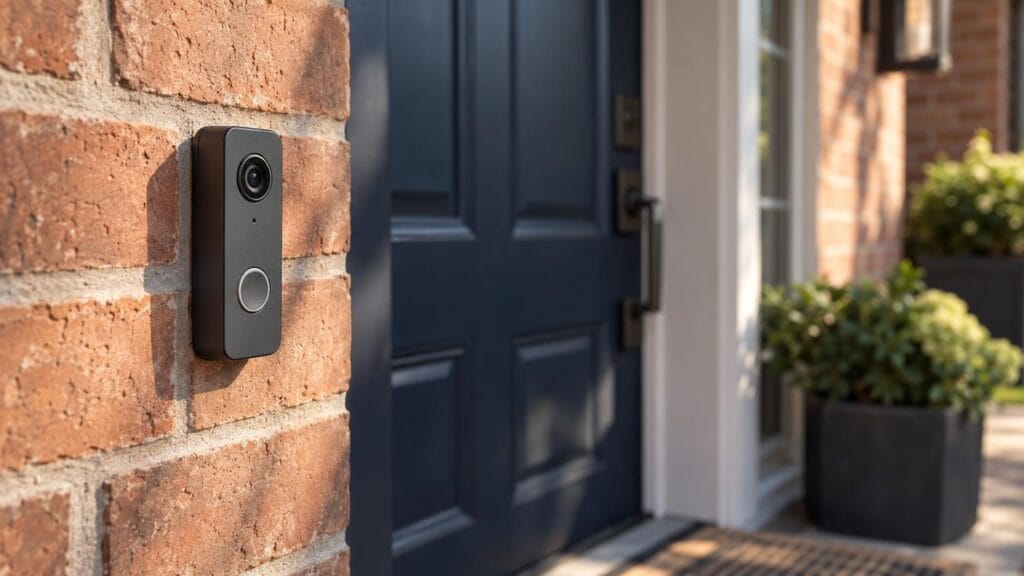
The five picks above are a good answer: a smart door sensor, smart bulbs, a smart plug, a water leak sensor, and a smart dimmer. Other common examples include smart speakers, smart displays, smart thermostats, and video doorbells.
What is the best idea for home automation
Start with a small, repeatable automation that removes a daily chore: a schedule that turns a lamp on at dusk, or an alert when a door opens. Leak sensors are a good second step because they protect against costly damage and work in the background once placed. Build from there one room at a time.