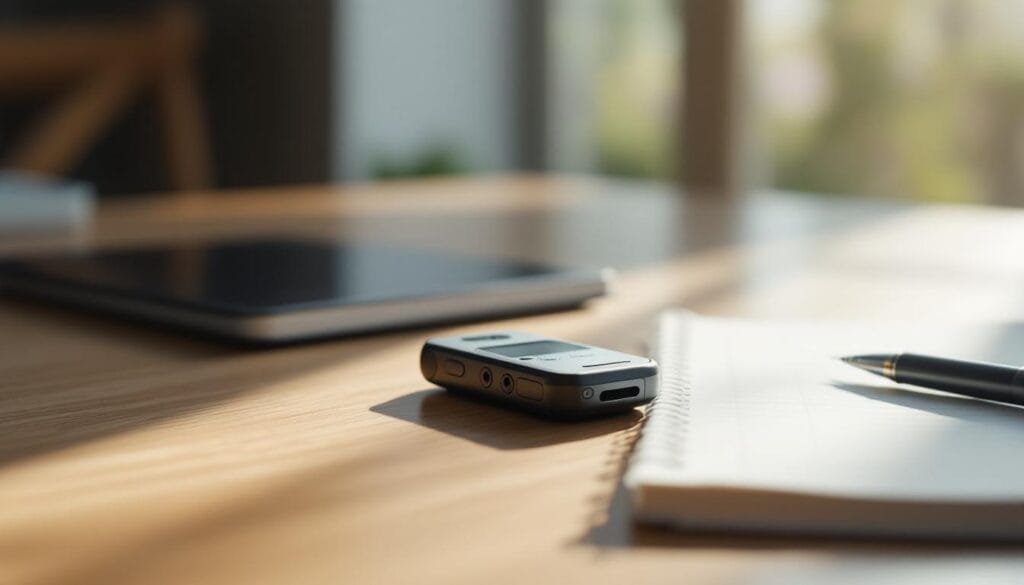
Meeting notes are easy to ignore until you need them three days later and realize the decision was never written down. Plaud NotePin S is a wearable AI recorder built to solve that problem: clip it on, record hands-free, and get a transcript and summary in the Plaud app, web, or desktop afterward. I do not own one, so this plaud notepin s review is built from the maker’s documentation, a Wirecutter review and owner reports. The question it answers is whether the promise holds up or whether this just adds another subscription to the stack.
My short verdict: it is a strong pick if you want a discreet wearable AI voice recorder for meetings and interviews, and a poor one if you will not use AI transcription often or need phone-call recording.
Why It Stands Out
The appeal of a device like this is easy to see. Phone recordings and manual notes tend to pull attention away from the conversation, and a wearable AI note taker promises searchable text without staring at a laptop.
According to Plaud, the NotePin S weighs 17.4 g and measures 51 x 21 x 11 mm, with two MEMS microphones and a stated recording range of up to 3 m (about 9.8 ft). Plaud adds that real performance depends on the environment, noise, speaker volume, position, language and software. A Wirecutter review, originally published in March 2026 and updated November 18, found that the NotePin S captured conversations well, produced accurate transcripts and told multiple speakers apart.
The catch is the ongoing cost. Heavy transcription needs a paid plan, which I cover below.
How the Plaud NotePin S Fits a Meeting Workflow
The idea behind the NotePin S is to replace the pile of voice memos, typed notes and half-remembered action items with one recording that turns into a transcript and summary.
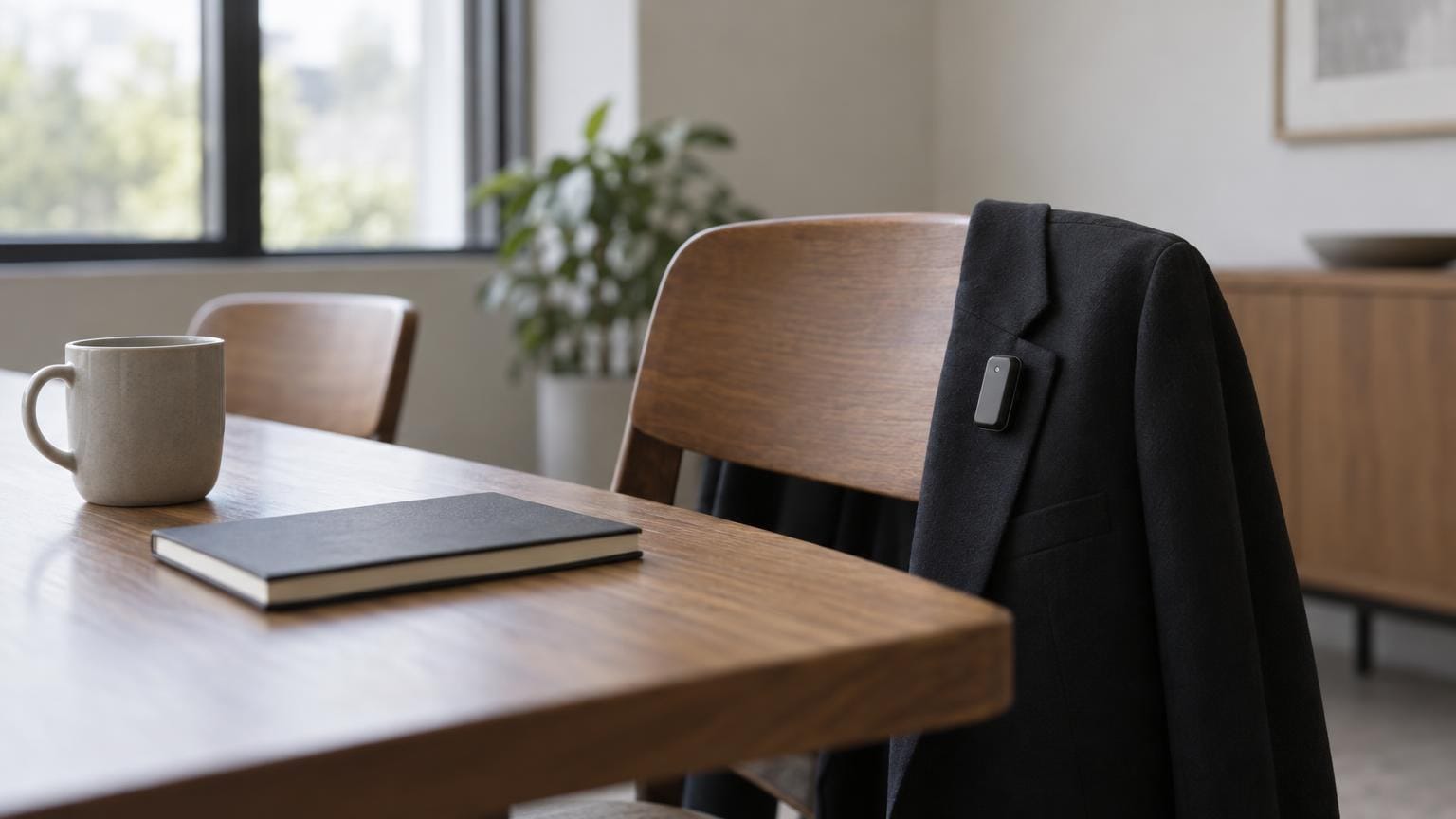
Plaud lists four wearing options: a magnetic pin, a clip, a lanyard and a wristband, with a charging dock and cable in the package. That makes it possible to wear the recorder without setting up visible gear on a table. Wirecutter’s reviewer described it as useful for reducing the effort of note-taking during meetings and other conversations.
The maker describes a tactile record button. The recorder works with the Plaud mobile app and Plaud Desktop.
The ongoing cost is the trade-off. If this becomes your primary note source, expect to pay for a plan once you pass the free minutes.
Key Features
These are the features that matter most for a meeting-notes recorder, along with the trade-offs the sources point to.
Wearable Design and Accessories
Plaud lists a magnetic pin, clip, lanyard, wristband, charging dock and USB-C cable with the NotePin S, so the same device can be worn for a formal meeting or a casual capture. At 17.4 g, it is light enough that weight should not drive the choice.
The real downside is the magnet. Plaud says its magnetic pin and clip can generate fields up to 2,100 gauss and advises people with pacemakers not to wear the device on the chest. That makes the lanyard less versatile for some users.
Splash Resistance and What Is in the Box
Plaud’s product specifications do not state an IP weather-resistance rating. Its user guide describes the device as splash-resistant, not waterproof, so treat it as fine for a light spill and not for rain or water.
Plaud’s materials describe audio recording and AI transcription only. They do not list video recording or two-way talk, so this is a recorder and not a camera or a speakerphone. The box contents, according to Plaud, are the NotePin S, magnetic pin, clip, lanyard, wristband, charging dock and USB-C cable, so everything needed to start wearing it is included.
AI Transcription and Summaries
Transcripts and summaries arrive through the Plaud app, web and desktop. Wirecutter’s reviewer found the transcripts accurate and the speaker separation useful.
Summary quality is not perfect. Wirecutter reports occasional summary errors and difficulty accurately transcribing some multilingual discussions, and advises proofreading. Treat the ai summary as a fast first draft, not a final record.
Free minutes are limited. Plaud’s product page lists 300 AI transcription minutes per month on the Starter plan, and heavy users will pass that quickly. Plaud says Starter includes Plaud Intelligence and Plaud Desktop, so the free tier is a real way to judge the ai features before paying.
Privacy and Data Storage
Plaud lists BLE 5.2 and Wi-Fi for connectivity, 64 GB of storage and about two hours to charge.
Syncing to the app and running AI processing means audio is handled beyond the device, so check your account settings and your own privacy requirements before recording sensitive material. This is general guidance, not a claim about any specific setting.
For the AI processing side of the stack, see my notes on AI processing.
Smart Highlights and Multimodal Input
The physical highlight button is the feature that sets this recorder apart from a plain audio recorder. Plaud calls it Press to Highlight.
It is a small workflow win rather than a revolution, but it directly targets the main pain of reviewing long recordings.
Plaud Desktop and Integrations
Plaud advertises a free Plaud Desktop app for online meetings, along with integrations such as Google Calendar, Slack, Notion and Linear, and connections to ChatGPT, Claude or MCP-compatible tools. Plaud’s own page marks some of these as preview, subject to future firmware, or variable by region and software version. Plaud’s materials do not list compatibility with Alexa, Google Home, Apple Home, Matter or IFTTT.
Wirecutter said the device had limited app integration at the time of its testing, so the gap between advertised and usable integrations is worth checking before you buy. Plaud’s support pages explain how to check for and install updates.
Setup, Reset and Troubleshooting
Plaud documents the pairing steps. Open the Plaud app, tap Add device, select Plaud NotePin S, hold the record button until the white indicator flashes, then select the detected device and connect.
If it will not connect, Plaud says to enable Bluetooth permissions, enable Location permissions on Android, turn on phone Bluetooth, keep the device close, charge it for at least 15 minutes if the battery is low, update the app and try again. Plaud also suggests restarting the phone and resetting the recorder by holding the record button for 12 seconds.
If the recorder will not power on, Plaud says to remove the magnetic pin, place the device in its charging dock, use a DC 5 V adapter rated at least 0.5 A, and hold the record button for 12 seconds to reset. If recording will not start from the app, Plaud says the bound recorder must be connected: turn on Bluetooth, power on the nearby device and connect it through the app’s device card.
What Owners and Reviewers Report
The sources are a mix of one independent review and user reviews on Plaud’s own pages, so none of this is a representative survey.
Battery life and real-world use
Plaud claims up to 20 hours of continuous recording and 40 days of standby from the 320 mAh battery. Wirecutter’s reviewer reported needing to recharge after recording for less than 10 hours over two weeks. That is one reviewer’s experience, not a general measurement, and Plaud notes actual duration depends on use and settings.
Build and pause behavior
Wirecutter noted that the shell scratches easily and that the pause behavior was unsatisfactory. Plaud’s own product-page reviews include praise for the recorder’s usefulness, build and included accessories, so owner opinion on the hardware is mixed.
Hardware and support complaints
Plaud’s US product page includes a customer review describing a unit that stopped working and charging after three days and overheated, plus a complaint about a delayed support response after a charge. A November 2026 third-party roundup also reports complaints about subscription costs, syncing, setup and hardware failures, while citing positive feedback on recording and summaries. These are individual reviews, and I would not call them a common failure without broader evidence.
No phone-call recording
Plaud says the NotePin S lacks its vibration-conduction sensor and does not support phone-call recording. That is a product limitation, so look elsewhere if recording calls is the main job.
Pros and Cons
Pros
- Lightweight and easy to wear: at 17.4 g with a clip, lanyard, wristband and magnetic pin, it suits different situations and clothing.
- 64 GB onboard storage, so long days of recording fit on the device.
- Accurate transcripts and useful speaker separation, according to Wirecutter’s reviewer.
- A physical highlight button for marking key moments while recording.
- A free Starter plan with 300 AI transcription minutes per month.
Cons
- Subscription pressure: heavy transcribers will pass the free minutes and need a paid plan, which adds ongoing cost.
- Battery life in use may fall short of Plaud’s 20-hour rating, per Wirecutter’s reviewer.
- Occasional summary errors and weaker accuracy on some multilingual conversations, so proofreading is needed.
- Some integrations are advertised as preview or dependent on future firmware.
- No phone-call recording.
- An easily scratched shell, according to Wirecutter’s reviewer.
- Magnetic parts: Plaud advises people with pacemakers not to wear it on the chest.
- You still need to tell people you are recording, which adds friction in casual settings.
Plaud NotePin S Price and Subscription Costs
Plaud’s US product page lists the NotePin S at around $179. Prices vary by region, with different local prices on Plaud’s Canadian, European and Australian pages. Check Amazon and Plaud for the current price before you buy.
The device is not the whole cost, and a plaud notepin s comes with a plan choice attached. Plaud lists three tiers. Starter is free with 300 transcription minutes a month. Pro is around $8 a month when billed annually and includes 1,200 minutes a month. Unlimited is around $20 a month when billed annually. Plaud’s page also displays a $25-per-user monthly annual-billing price for a further plan tier.
The pro or unlimited decision comes down to volume. Plaud says Pro gives 1,200 transcription minutes a month, while Unlimited gives unlimited monthly minutes subject to a stated daily limit. If you record a few meetings a week, the free tier or Pro is the sensible place to start. Recheck the plan terms on Plaud’s page before you commit.
Who Should Actually Buy This
If you need to stay present in meetings but hate scribbling, this is built for you. Choose it for searchable transcripts and summaries that turn talk into tasks, and for a recorder light enough to keep on all day.
Skip it if you will not use frequent transcription, because the free minutes are small next to heavy meeting use and the plans add up. Skip it if you need phone-call recording, and avoid wearing it on the chest if you have a pacemaker.
Final Verdict
Based on the accurate transcripts and speaker separation reviewers report, weighed against the battery claim, limited integrations, missing phone-call recording and ongoing subscription cost, the NotePin S is a good buy for regular meeting and interview use and a weak one for everyone else. The AI summaries save time when you just want the key points, though the subscription cost can sting if you rely on it long term.
The accurate transcripts and speaker separation are the main reasons to buy. The battery claim, limited integrations and lack of phone-call recording are the main reasons to hesitate. If you want a discreet, hands-off AI note-taker that cuts post-meeting grunt work, it is worth considering. Skip it if you do not plan to use AI summaries often or want a truly budget option.
Frequently Asked Questions
How easy is it to set up and use day to day?
Plaud’s documented pairing is short: open the Plaud app, tap Add device, select Plaud NotePin S, hold the record button until the white indicator flashes, then connect the detected device. If it will not connect, Plaud suggests checking Bluetooth and Location permissions, charging for at least 15 minutes, updating the app, restarting the phone and resetting the recorder by holding the record button for 12 seconds.
Do I need a subscription, and what does it cost?
You can use it without paying, but only lightly. Plaud’s Starter plan is free with 300 AI transcription minutes a month and includes Plaud Intelligence and Plaud Desktop. Pro is around $8 a month billed annually with 1,200 minutes, and Unlimited is around $20 a month billed annually, with another Plaud page listing Unlimited at around $30 monthly or around $240 a year. Recheck the plan terms before buying.
How good are the transcripts for meetings and messy conversations?
Wirecutter’s reviewer found that the NotePin S captured conversations well, produced accurate transcripts and distinguished among multiple speakers. The same review reports occasional summary errors and trouble with some multilingual discussions, and advises proofreading. Plaud says range and accuracy depend on noise, speaker volume, position and language.
Can the NotePin S record phone calls?
No. Plaud says the device lacks its vibration-conduction sensor and does not support phone-call recording.
Is the Plaud NotePin S worth it?
For meeting and interview notes, the reported accuracy and the wearable form make it a reasonable buy if you will use AI transcription regularly. It is harder to justify if you record rarely, need call recording, or do not want a plan. Check Amazon for the current price.
Is Plaud AI safe to use?
Plaud’s materials describe syncing to the app and AI processing of recordings, which means audio is handled beyond the device. I cannot vouch for specific security settings, so check your account settings and your own privacy requirements before recording sensitive conversations.
Does it work offline?
The device itself has 64 GB of onboard storage.
How is the NotePin S different from the NotePin?
Plaud’s product FAQ addresses this directly, so read it for the maker’s own comparison. What the maker confirms for the NotePin S is the tactile record button, Press to Highlight and no phone-call recording.
Is the Plaud NotePin S waterproof?
No. Plaud’s user guide describes it as splash-resistant, not waterproof, and the specifications do not state an IP rating.
What is the difference between the NotePin S and the Note Pro?
The NotePin S is the wearable pin-style recorder covered here, and the Plaud Note Pro is a separate device that some reviews compare it against. Check Plaud’s product pages side by side before choosing.
Is there a better device than Plaud?
The sources I have do not rank Plaud against other makers, so I cannot name a better alternative with confidence. Within Plaud’s range, the choice comes down to wearable pin versus a different form factor, and to whether you need phone-call recording, which the NotePin S does not support.